How to Choose the Best Photo for an AI Christmas Portrait
A clear, front-facing, evenly lit photo is what separates a good AI Christmas portrait from a great one. This is the exact checklist to use before you upload.
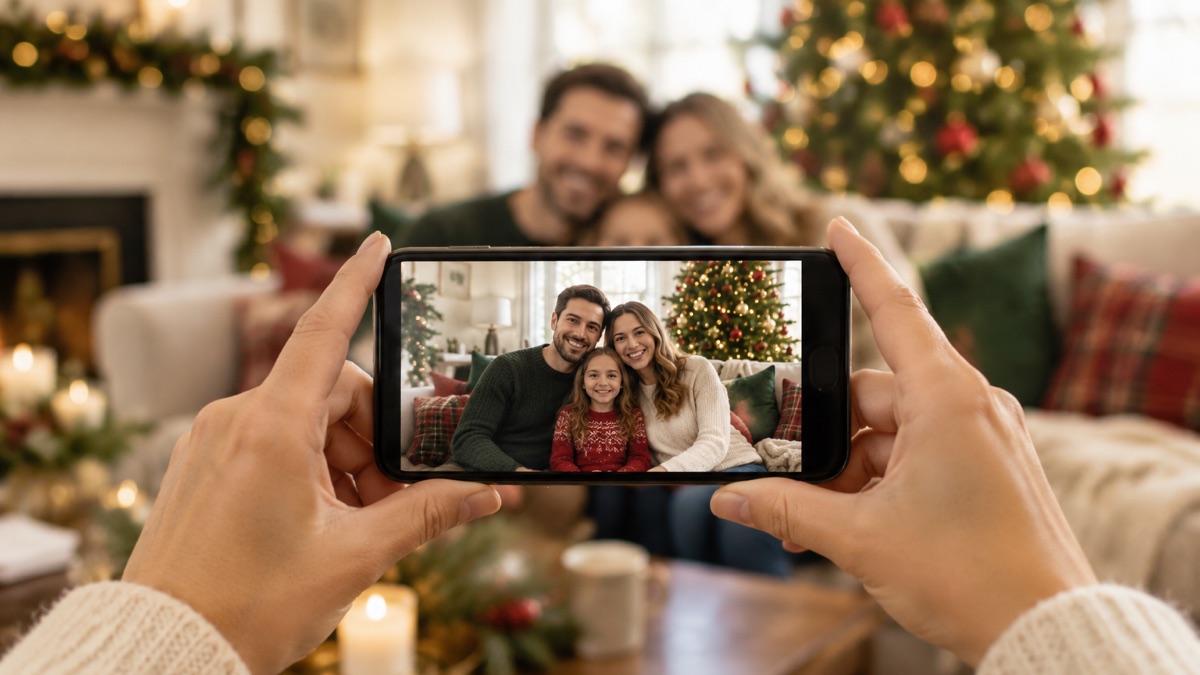
The best photo for an AI Christmas portrait is a clear, front-facing shot with even lighting, an unobstructed face, and sharp focus — and any normal phone photo from the last few years usually already qualifies. The background, the outfit, and the occasion in the source photo do not matter at all, because the generator replaces them.
That last point surprises people. You do not need a photo taken for the occasion, in a holiday outfit, or in nice weather. You need one photo that shows the faces clearly. Everything else — the fireplace, the snow, the Santa wardrobe — comes from the style you pick.
What the generator reads from your photo
Christmas Photo AI takes exactly one photo per portrait: a single person, a couple, a family, or a group of friends — up to four people — or one pet. The model works from the face region to keep everyone recognizable: facial features, age, hair, and skin tone. The rest of the frame is mostly ignored.
This is why two photos of the same person can produce very different results. A crisp indoor selfie can outperform a carefully composed shot taken from three meters away, because in the selfie the face simply carries more information.
The checklist before you upload
- Front-facing or nearly front-facing. Faces turned toward the camera give the model the most to work with.
- Even, natural light. Overcast daylight or a bright indoor room works well. Avoid strong backlight and deep side shadows.
- The face fills a reasonable part of the frame. A face that is a tiny speck in a wide shot leaves the model guessing.
- Nothing covering the face. No sunglasses, masks, hat brims casting shadows, or a hand in front of a child's face.
- Every person visible. In group photos, no one should be half-hidden behind someone else's shoulder.
- Sharp focus. Motion blur hurts more than a slightly dark photo.
- No heavy beauty filters. Filters smooth away exactly the details that make the portrait look like you.
Two minutes spent choosing the right photo is the cheapest quality upgrade in the entire process.
Group photos: one to four people
One photo, up to four people — that is the working range for a single generation. A photo where every face is visible and roughly evenly lit keeps everyone recognizable.
If your group is larger than four, split it: generate a portrait with one part of the group, then another with the rest. Each generation is its own portrait and its own credit, so a ten-person extended family works best as two or three portraits rather than one crowded photo.
Pet photos
One pet per photo, with the pet's face toward the camera, in focus, and not hidden behind a human. The Pet Christmas style is built for exactly this input: one pet, an optional family around it, and a holiday scene around both.
Does resolution matter?
Less than you would think. Uploads are resized in your browser before they are sent — the long edge is capped at 1568 pixels — so a 48-megapixel file and an ordinary phone photo arrive at roughly the same size. Any photo from a phone made in the last several years is more than enough.
What actually fails is different: screenshots of photos, or thumbnails saved out of a chat app. Those have been compressed several times over, and the face detail is gone before the model ever sees them.
From photo to portrait
Once the photo is chosen, the rest is fast. Pick one of the twenty holiday styles, press generate, and the portrait is ready in about two minutes — delivered as a 3:4 portrait, a 1:1 square, and a 9:16 story crop. Results are private to your account, watermark-free, and deletable whenever you want.
New accounts get their first portrait free, and a failed generation refunds its credit automatically. If you are weighing this against booking a photographer, the comparison with studio sessions runs the numbers side by side.
Frequently asked questions
Can I use a selfie?
Yes. A well-lit selfie is one of the most reliable inputs, because the face is large and evenly exposed.
Will the portrait still look like me?
The model is built to preserve facial features, age, hair, and skin tone. What erodes likeness is an obscured face, a heavy filter, or a very low-resolution source — not the setting or the outfit in your photo.
Can I use an old photo?
Yes. A photo from a previous holiday or from last summer works fine, as long as the face is clear and the person's look has not changed drastically since.
How many photos do I need?
One. The generator works from a single photo — there is no multi-upload step and no compositing to manage.