How to Choose an AI Christmas Photo Tool in 2026
Judge any AI Christmas photo tool on three things: likeness, group stability, and transparent per-image pricing. Here is how purpose-built tools, ChatGPT and Midjourney, real studios, and compositing apps compare.
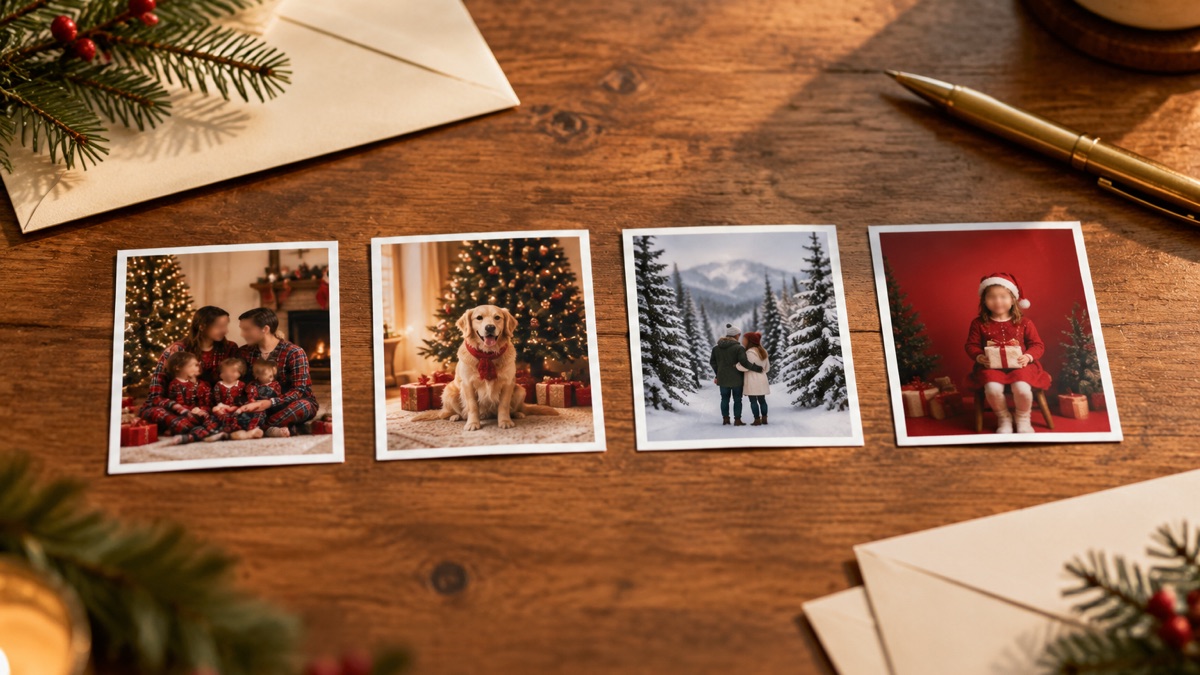
"AI Christmas photo tool" now means four different products: purpose-built portrait generators, general image models like ChatGPT or Midjourney, real photo studios, and photo-compositing apps. They overlap on the poster but not in what they are actually good at.
Three criteria cut through the marketing, and they work for every category above.
The three things that actually matter
1. Likeness. The whole point is a photo that still looks like you, your family, or your pet. Look for tools that state how they preserve faces and markings, and check sample results labeled as real output — not stock photography.
2. Group stability. One face is easy; four faces in one frame is where tools separate. Check the group limit per photo (this site: one to four people, or one pet) and whether the tool edits the whole group together or composites separate photos. Compositing is the less stable path.
3. Transparent per-image pricing. You should be able to answer "what does one finished portrait cost?" before signing up. Per-result pricing with refunds on failed generations beats a subscription you have to remember to cancel.
Purpose-built tools vs. ChatGPT and Midjourney
General image models are creative instruments: you write the prompt, you control everything — which also means you own the failure modes. The third render stops looking like you. The group photo grows a fifth arm. Every fix is another round of prompt surgery and another wait.
Purpose-built holiday tools invert that deal. Face preservation is the product; the holiday scene is preset; you pick a style instead of writing a prompt. You give up open-ended creative range and get your family's actual faces back, usually in about two minutes.
The honest split: if you enjoy prompt craft as a hobby, general models are a fine place to spend an evening. If you need cards that mail this week, purpose-built wins. For likeness specifically, general models can match on a good day — but "on a good day" is not a feature.
What about a real studio?
Nothing replaces real fabric, real light physics, and a photographer adjusting a toddler's shoulder in real time. Studios also handle what AI does not: more than four people in one frame, same-day physical prints, wardrobe changes on site.
The tradeoffs are time and money — holiday mini-sessions commonly run $75–$300+ with files often sold separately, booked weeks ahead. The full side-by-side is in AI Christmas photos vs. studio sessions.
And photo-compositing apps?
A different job. Compositing rearranges photos you already have — collages, background swaps, grids. Generation creates scenes that never existed: your actual faces in lighting and settings nobody photographed. Two hundred real shots you want arranged into one grid is a compositing job. One snapshot you want turned into a Christmas portrait is a generation job.
The comparison at a glance
| Purpose-built tool | General AI model | Studio session | Compositing app | |
|---|---|---|---|---|
| Best for | Holiday cards and social posts, fast | Open-ended creative experiments | Formal portraits, big groups, prints | Arranging photos you already have |
| Likeness | Locked per photo by design | Depends on your prompting | Real photograph | Real photos, nothing new |
| Group photos | 1–4 people or one pet | Possible, less stable | Any size the room lights | Any amount of arranging |
| Cost model | Per result ($0.80–$1.66 here) | Subscription or per prompt | $75–$300+ per session | Free to a few dollars |
| Prompt skill | None — pick a style | Required | None | None |
| Turnaround | ~2 minutes | Minutes per iteration | Days to weeks | Minutes |
For the family and pet specifics of the purpose-built column, see the family guide and the pet guide; pack pricing is on the pricing page.
Frequently asked questions
Do I need to know how to write prompts?
Not on a purpose-built tool. The style catalog replaces prompting: you pick "Cozy Fireplace" or "Christmas Pajamas" and the composition, lighting, and identity rules are already baked in. Prompt skill only matters on general models.
Is the first portrait really free?
On this site, yes — new accounts get one free credit, and it produces the same private, watermark-free portrait as a paid one. Current pack prices are always on the pricing page.
Which should I choose if my cards must mail this week?
A purpose-built tool is the fastest path: generate tonight, download the 3:4 crop, and order prints tomorrow. A mall studio with same-day prints is the fallback if you also want a real photograph of the moment.
What if I want a style the catalog doesn't have?
Then general models earn their keep — generate the scene yourself, accept that likeness needs babysitting, and iterate. Catalogs also expand each season, so check back before building a prompt workflow for one look.