AI Family Christmas Photo Generator
One family photo. A Christmas scene to share.
Start with Christmas Pajamas
Create a family Christmas portrait from one photo containing everyone. The styles below support one to four people, with no separate-photo merging. Choose a format before generating: one credit produces one digital image. AI can alter faces and details, so check each person before sharing or printing.
Or choose another family style below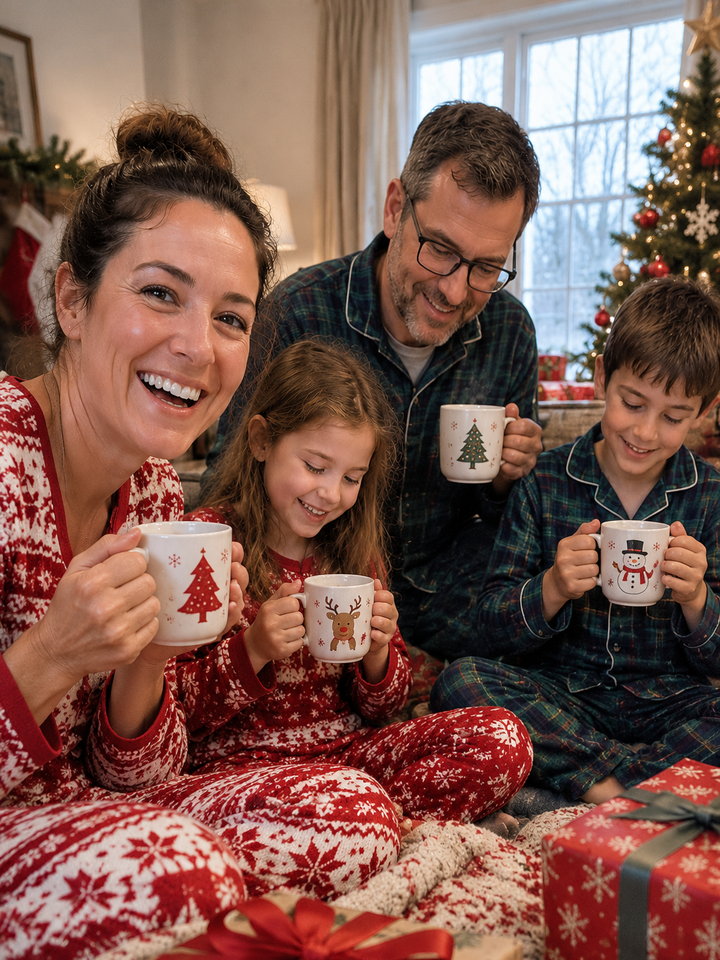
The same family photo, three Christmas looks
These published samples were generated from the same source photo. They show possible results, not a guarantee of likeness. Look closely at each face, glasses, fingers and the number of people.
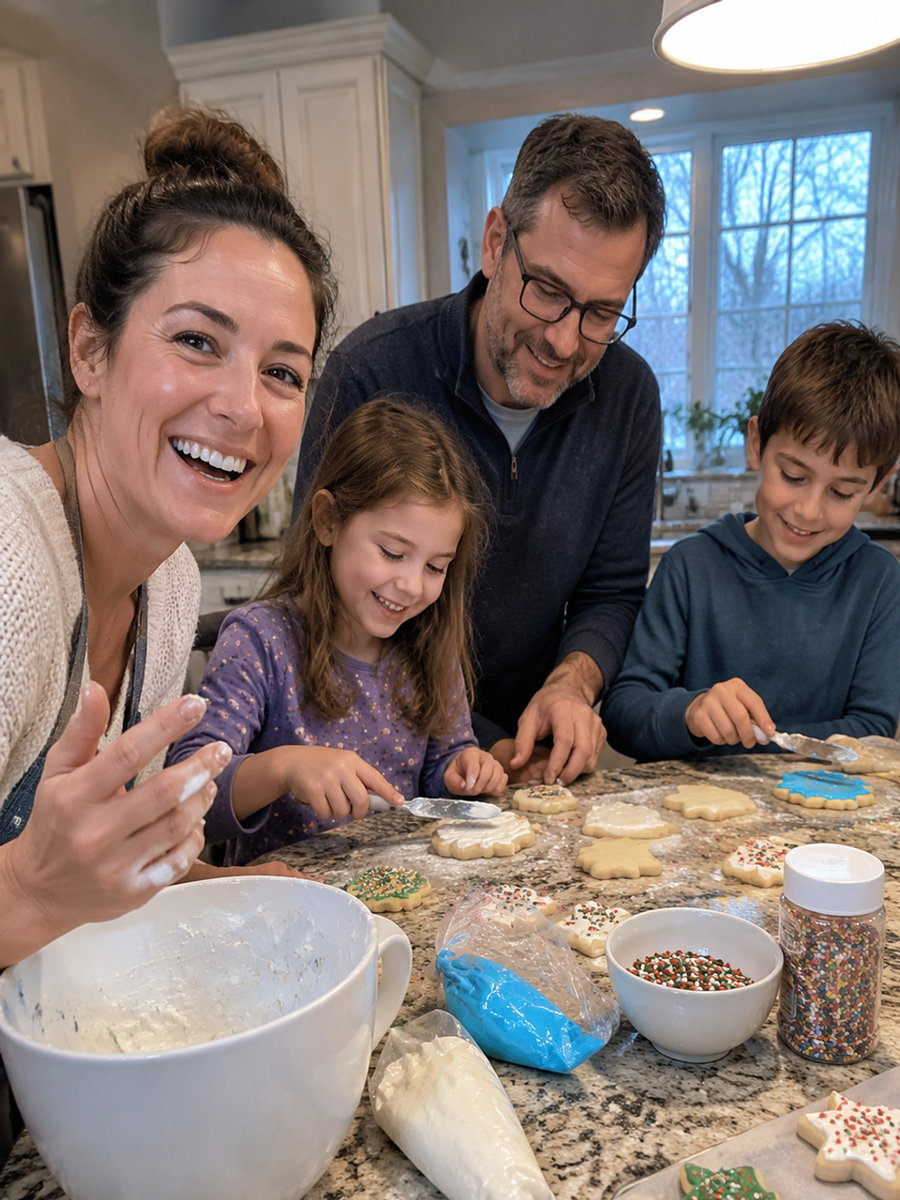 Source photoAI-generated sampleSource photo
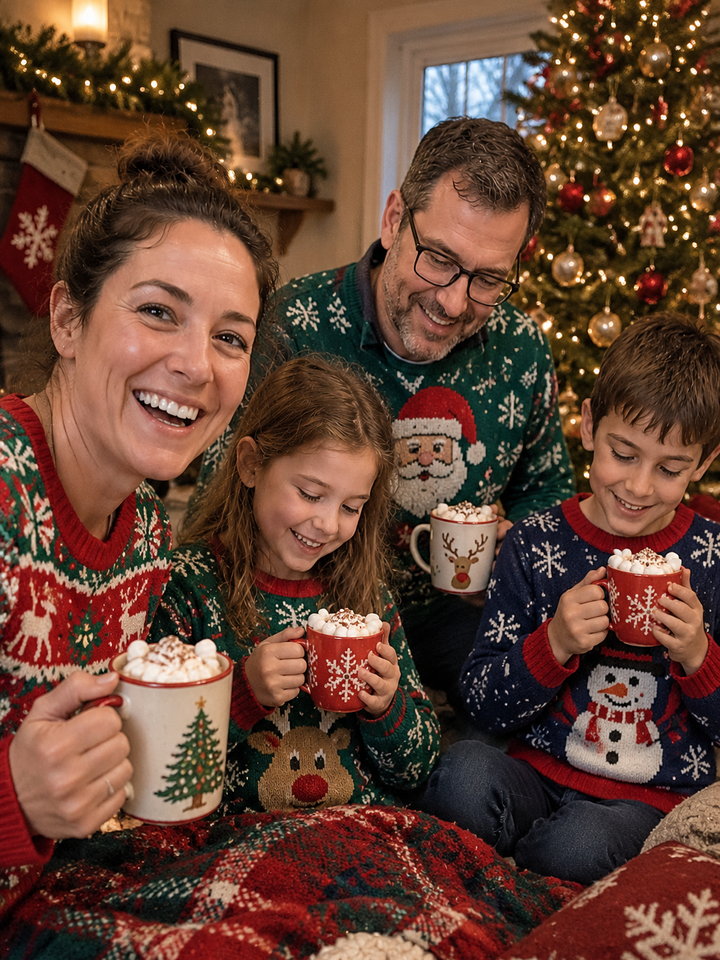 AI-generated sampleSource photo
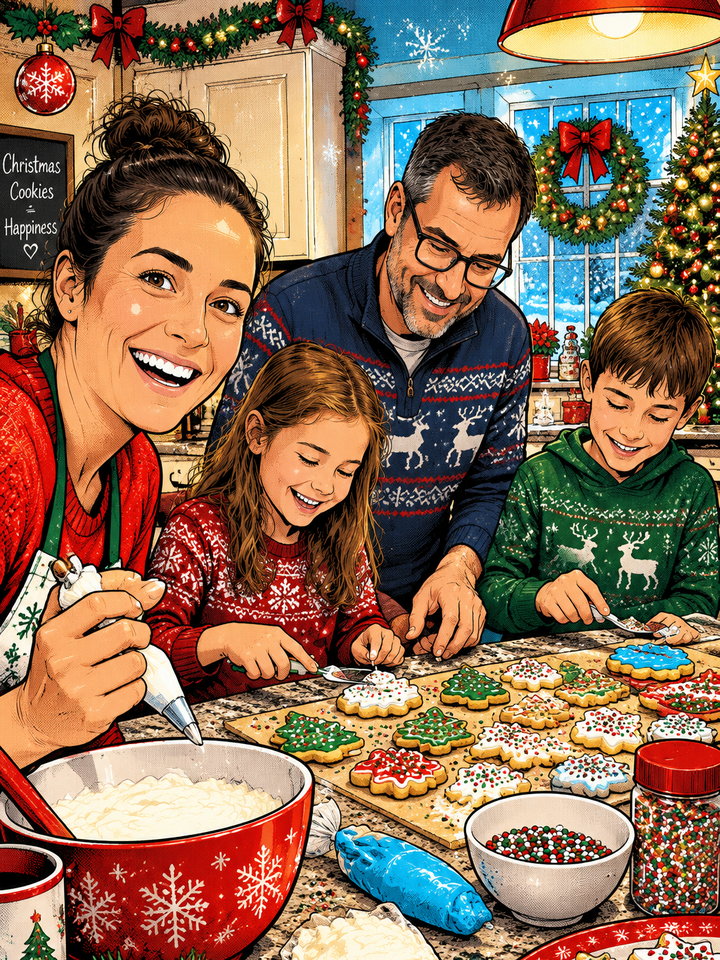 AI-generated sample
Start with a photo where everyone is easy to see
A good starting photo
- One to four people together in one image.
- Every face visible, with similar soft light across the group.
- Faces large enough to see eyes, glasses and expressions.
- Permission from everyone pictured; parent or guardian permission for children.
Choose another photo when
- Someone is hidden, blurred or cropped out.
- You need to combine separate portraits or add a missing person.
- There are more than four people or you need exact professional retouching.
- You want a pet-only portrait: use the dedicated cat and dog style.
From group photo to holiday portrait
Upload one group photo
Use JPG, PNG or WebP, up to 10 MB. Start above with Christmas Pajamas, or open another style from the samples.
Choose one format
Pick 3:4 portrait, 1:1 square or 9:16 story. Each generation produces one image for one credit; a new format or another version starts a new generation.
Check and download
Compare every face and hand with your source photo. Results are private by default; share only when you choose to. Check the downloaded dimensions against your printer’s requirements.
Before you make your family portrait
Can I combine individual photos into one family Christmas picture?
No. Upload one photo containing the whole group. The generator edits that image; it does not merge separate portraits or reliably add a missing family member.
Can I include children or grandparents?
Yes, within the one-to-four-person limit. Use a photo with clear faces and permission from the people pictured, including parent or guardian permission for children. AI can change age cues, expressions or glasses, so review each person.
Do all Christmas styles work with a family?
No. Christmas Pajamas, Ugly Sweater and Comic Christmas support groups. Christmas Ornament is for one person, and Christmas Pet Portrait is for one cat or dog. Use the group examples on this page as starting points.
How many images do I get for one credit?
One digital image in the selected ratio. A new account gets one trial photo; another style, ratio or retry costs another credit. Failed generation jobs release the reserved credit automatically. Check pricing for current credit packs.
Can I print the result as a Christmas card?
You can download it and arrange printing yourself; we do not ship cards. The current output is 1K. Check the exact pixel dimensions and every face at full size against your printer’s size and resolution requirements before ordering.
Will our family photo become public?
Your upload and generated result are private by default. You can download the image or choose to create an unlisted sharing link. An unlisted link can be opened by anyone who has it, and you can revoke it.